
1. Log in to your cPanel account.
2. In the Email section, click on Global Email Filters.
3. Under Current Filters are displayed all existing filters. Click Edit next to the appropriate one.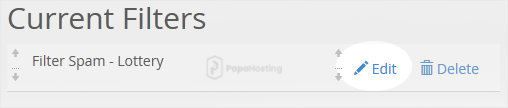
4. Make the desired changes to the filter.
5. Click on Save.